
Mobile app development is one of the most common requests we hear, and it is also the one most likely to send a business down an expensive path it never needed. The pitches are polished, the search interest is enormous, and the assumption underneath is usually the same: an app in the store is the natural next step after a website. Sometimes that is true. Often it is not.
Before you commit to a build, it helps to separate the outcome you want from the delivery format you assume you need. Below is how we think through the decision with clients, where an installable progressive web app does the same job faster, and the cases where going native is genuinely worth it.
What Mobile App Development Actually Involves
Native mobile app development means building software specifically for iOS and Android using each platform's own tools and languages. That gives you deep access to device capabilities: camera pipelines, background location, biometrics, on-device storage, and the interaction polish people expect from something they installed from a store. It also means two codebases, two review queues, two release cycles, and a maintenance commitment that does not end at launch.
The part most businesses underestimate is distribution. Getting approved in the App Store or Google Play is not the same as getting used. Someone has to find your app, decide it is worth space on their phone, install it, and then open it again next week. That is a far steeper ask than tapping a link, and it is why so many business apps are downloaded once and quietly forgotten.
Where a Progressive Web App Wins
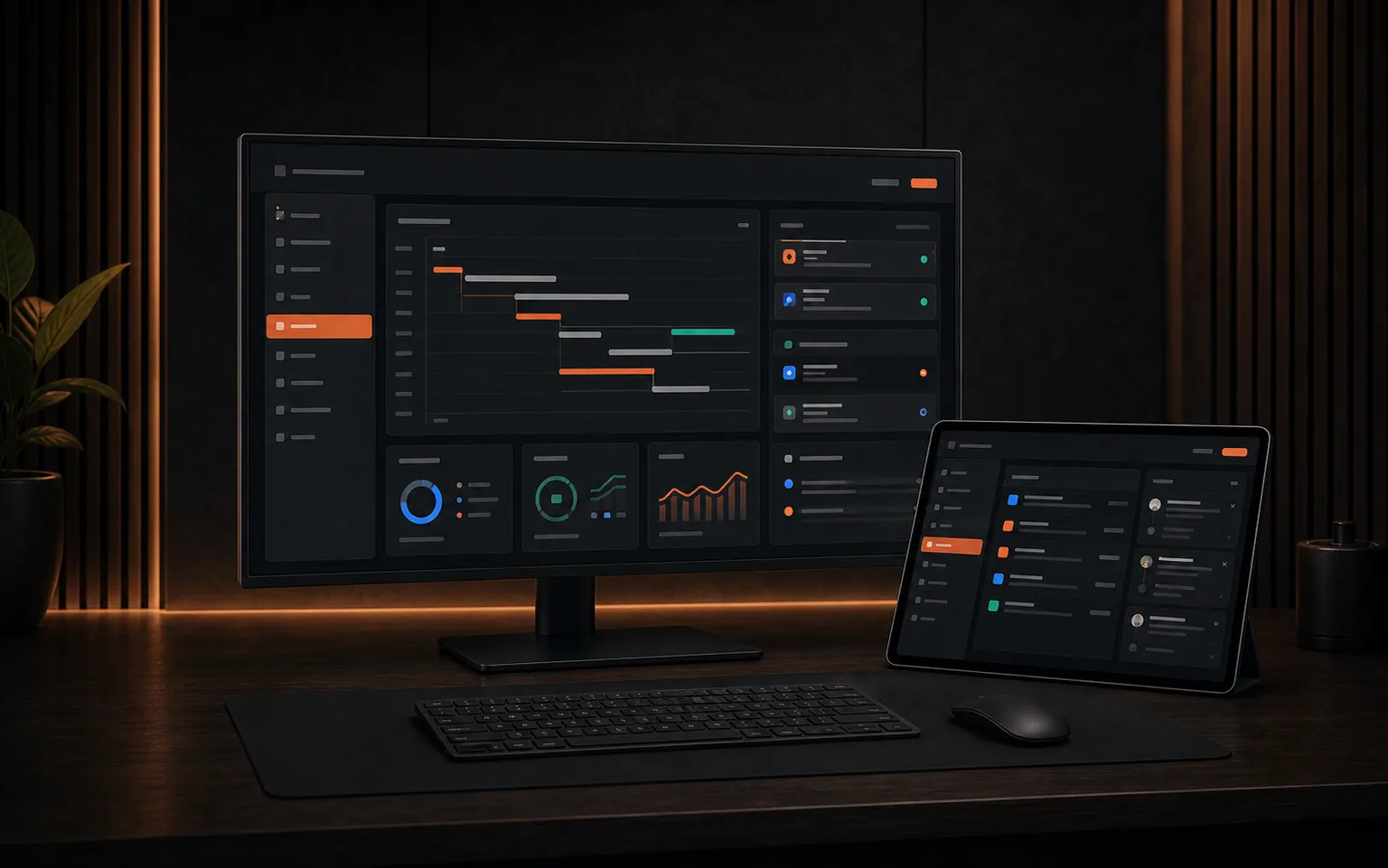
A progressive web app is a website engineered to behave like an app. It installs to the home screen, runs full screen without a browser bar, works offline, and can send push notifications. There is no store gatekeeper, no separate download step, and no split codebase. One build serves phones, tablets, and desktops, and updates reach every user the moment we ship them.
This is where most business use cases actually land. Client portals, booking flows, operational dashboards, member communities, and internal tools are workflow problems, not device-hardware problems. For The Women's Circle we built an installable community app on the web with real-time chat, events, payments, photo sharing, and push notifications in one experience, and members use it the same way they would use anything from a store.
- One codebase instead of two, so every fix and feature lands everywhere at once.
- No app store review standing between you and a bug fix you need live today.
- Shareable by link, which means a customer can be inside it in one tap instead of five.
- Indexable by search engines, so the work you put into content can still earn traffic.
- Installable when people want it, without forcing a download before anyone can try it.
The Question That Actually Decides It
Rather than opening with native versus web, we start with what your users need to do and under what conditions. The answers usually point clearly in one direction before anyone has argued about technology.
- 1Does the experience need hardware the browser cannot reach, such as background location tracking, Bluetooth peripherals, or heavy on-device processing?
- 2Will people use it daily, or a handful of times a year? Low-frequency tools rarely survive the install barrier.
- 3Do your users need to work with no connection at all, or just tolerate a weak one?
- 4Does the app need to be discoverable by strangers, or is it for people you already have a relationship with?
- 5Who maintains it in year two, and what happens to your roadmap if every change waits on a store review?
Discoverability Is the Quiet Difference
App stores are closed catalogs. Nothing you publish inside one earns you visibility in Google, in AI assistants, or anywhere else people go when they are looking for a business like yours. The web is the opposite: every page can be found, cited, and linked. If part of the goal is being discovered rather than just being used by people you already know, that difference matters more than the interface. It is the same reason we walk clients through what SEO services actually include before they invest anywhere else.
Performance is the other half of it. A sluggish mobile experience loses people whether it came from a store or a browser, which is why we treat speed as a requirement rather than a later optimization. We covered how slow sites quietly kill revenue in more depth, and everything in it applies just as much to an installable app experience.
How We Scope This With Clients
We start by identifying the smallest complete workflow that creates real value for a real user, then build that properly instead of shipping a thin version of everything. Supporting ideas move onto a visible roadmap so the first release stays coherent without pretending the future does not exist. The same principle drives how we approach AI-powered website design: use AI to move quickly through research, drafts, and testing, and keep human judgment on the decisions that determine whether the thing works.
The right question is never whether you can build an app. It is whether the app is the shortest path to the outcome you actually want.
When Native Mobile App Development Is the Right Call
There are real cases for it. If your product depends on continuous background location, tight hardware integration, serious offline data handling, or platform features the browser simply does not expose, native is the honest answer and we will say so. What we build are responsive web applications and installable progressive web apps. If a product truly needs native iOS or Android capabilities, we explain that boundary during scoping rather than stretching a web build to cover something it should not.
For most businesses, though, the decision resolves the same way. The outcome they wanted from mobile app development, a fast, focused tool their customers or team can open on a phone, is reachable sooner and maintained more cheaply on the web. Start there, prove the workflow with real users, and let evidence decide whether a native build ever needs to follow.
Frequently Asked Questions
Is a progressive web app as good as a native mobile app?
For most business use cases, yes. An installable progressive web app can run full screen from the home screen, work offline, and send push notifications, while sharing a single codebase across phone, tablet, and desktop. Native still wins when the product depends on device capabilities the browser cannot reach, such as continuous background location or tight hardware integration.
How do I know if my business actually needs an app?
Ask how often people will use it and whether it needs hardware the browser cannot access. Tools people open daily and that rely on device features are good candidates. Anything used a few times a year usually dies at the install step, because asking someone to download something is a much bigger request than asking them to tap a link.
Do you build native iOS and Android apps?
We build responsive web applications and installable progressive web apps. If a product genuinely needs native iOS or Android capabilities, we explain that boundary during scoping instead of stretching a web build to cover something it should not. That conversation happens before anyone commits to a direction.
Can an app help me show up in Google?
Not directly. App stores are closed catalogs, so what you publish inside one does not earn visibility in search results or AI assistants. Web experiences can be crawled, indexed, cited, and linked. If being discovered by people who do not already know you is part of the goal, the web side of your presence is what does that work.
What does it cost to maintain a mobile app after launch?
Maintenance is the part most plans underestimate. Native apps carry two codebases, ongoing platform updates, and a store review process for every change. A single web build removes that duplication, and updates go live as soon as they ship. We set ownership and handoff expectations in the proposal so nobody is surprised in year two.
How long does it take to build a custom application?
It depends on scope, but we shorten it by defining the smallest complete workflow that creates real value and building that first. Supporting features move onto a visible roadmap. The fastest way to get an accurate timeline is a short conversation about what your users need to accomplish.